












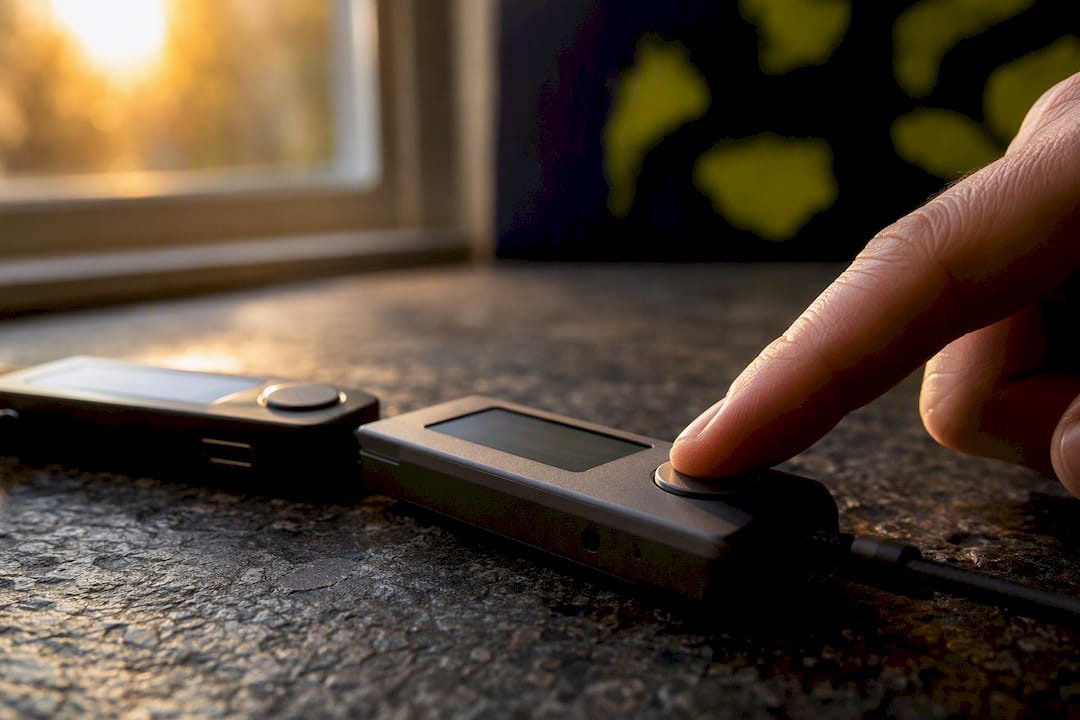
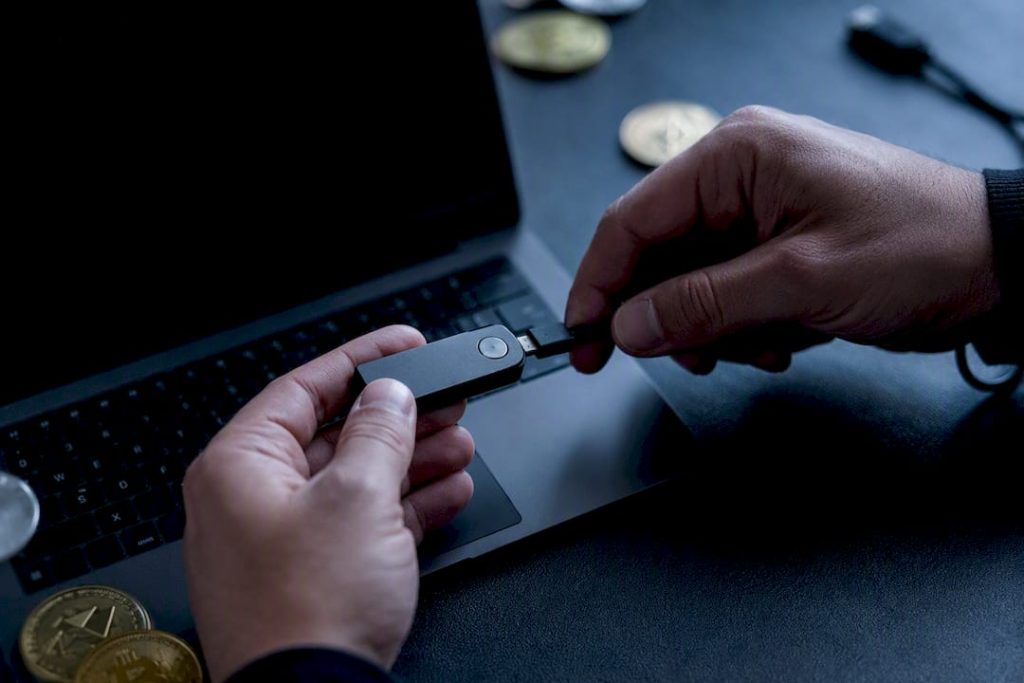
Hands connecting hardware cold wallet device

Hot wallets belong on your phone for spending money; cold wallets belong in a drawer for savings. Most personal investors should run both at once: a small, connected hot wallet for trading and daily transactions, and a cold wallet, kept fully offline, for the bulk of their holdings. Back up your seed phrase before you fund either one. The sections below break down the types, the trade-offs, and the setup steps that make this two-tier model work.
TL;DR:
- Cold wallets significantly reduce online attack risks but still depend on secure, multiple backups of seed phrases for safe recovery.
- Hardware wallets are the most common cold storage option, but they can be vulnerable if firmware updates are not verified or if they are physically lost or damaged.
- Using a multisignature setup adds an extra layer of security for large balances by requiring multiple approvals before transactions.
- Hot wallets offer fast, convenient access for trading but face higher risks from phishing attacks, malware, and credential theft.
- Both wallet types require rigorous operational discipline, including environment control, verifying device authenticity, and never sharing seed phrases.
Cold vs Hot Wallet: What Each One Actually Is
A hot wallet is software that’s connected to the internet, built for speed and access. A cold wallet keeps your private keys on a device or medium that never touches the web. That single distinction, online versus offline, drives nearly every security and convenience trade-off you’ll weigh when deciding where to keep your crypto.
Latest Stories
Solana’s Inflation Curve Gets a Major Overhaul After Community Vote

Ethereum Faces One of Its Most Extreme Sell-Side Readings on Binance

Chainlink Is Expanding Again — Here’s Where It’s Moving Next
Hot wallets also split into two custody models. A self-custody app (think a mobile or desktop wallet where you control the seed phrase) is different from a custodial exchange wallet, where the platform holds your keys on your behalf. Coinbase is a good example of the custodial model: convenient, but you’re trusting a third party with recovery and access. Cold wallets, by contrast, are almost always self-custody by design.
Common hot wallet formats include:
- Mobile apps (MetaMask, Trust Wallet) for on-the-go swaps and dApp logins
- Desktop wallets for more screen space when managing multiple assets
- Browser extensions that connect directly to decentralized apps and DeFi platforms
- Exchange wallets (custodial balances sitting on a trading platform)
The appeal is obvious: instant access, built-in swaps, and one-tap connections to dApps. The cost is exposure. Hot wallets increase your surface area for phishing links, malicious browser extensions, and credential theft, since a connected device is always a potential entry point for attackers targeting crypto users. Techgaged has covered phishing campaigns that specifically target crypto holders through fake job offers, a reminder that the weak point is often the person, not the software. Most hot wallets are free to download and set up in minutes, which is exactly why they’re the right tool for active, smaller balances rather than long-term savings.
Understanding Cold Storage vs Hot Wallet Security: How Offline Signing Works
Cold storage keeps your private keys isolated from any internet-connected device, which is why it dramatically reduces exposure to online attacks compared to a hot wallet. There’s no browser session to hijack and no app to trick into approving a fraudulent transaction, because the keys simply never go online.
Cold storage comes in a few practical forms:
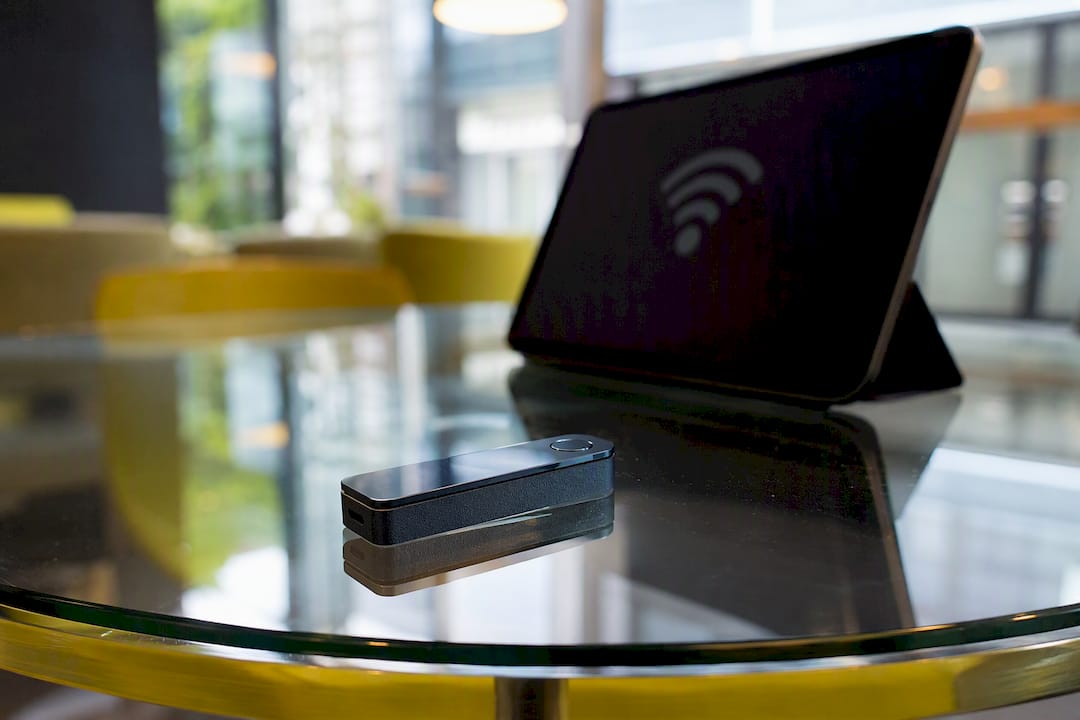
- Hardware wallets (dedicated devices like a Ledger or Trezor) that generate and store keys on a secure chip
- Paper wallets, a printed private key and address, cheap but fragile and easy to damage
- Metal backups, seed phrases stamped or etched into steel plates that survive fire and water
- Air-gapped devices, hardware that never connects to Wi-Fi, Bluetooth, or USB during signing
Signing an offline transaction works in three steps. You build the unsigned transaction on a connected device, transfer it to the offline wallet (via QR code, SD card, or direct cable), sign it there with your private key, then move the signed transaction back online for broadcast. Your key never touches the internet at any point in that sequence.
Cold storage isn’t invulnerable, though. A hardware wallet can still be lost, stolen, or physically destroyed, and if you never wrote down your seed phrase, that device failure means your funds are gone permanently, since recovery depends entirely on secure backups. A quality hardware wallet typically costs money, and setup takes maybe 20 minutes once you know the steps.
Hot vs Cold Wallet Comparison: Security, Cost, and Convenience
Here’s how the two stack up across the factors that actually matter for a personal investor:
| Factor | Hot wallet | Cold wallet |
|---|---|---|
| Security | Exposed to online threats | Isolated from internet attacks |
| Convenience | Instant access, dApp ready | Slower, deliberate transactions |
| Cost | Usually free | Hardware wallet |
| Transaction speed | Fast, few taps | Extra steps for signing |
| dApp compatibility | Native, built-in | Limited, often requires pairing |
| Typical threats | Phishing, malware, credential theft | Physical loss, damage, theft |
Stat check: compromised private keys accounted for a significant portion of stolen cryptocurrency value reported in recent years, according to Chainalysis. That’s not exchange hacks or protocol exploits, that’s individual keys getting exposed, phished, or mishandled. It’s the single strongest argument for keeping your key generation and signing process entirely offline whenever the balance is worth protecting.
One nuance worth flagging: modern hardware wallets increasingly add Bluetooth or companion-app features for convenience, and those features reintroduce a wireless attack surface that a purely air-gapped device doesn’t have. Convenience and “cold” aren’t automatically the same thing anymore.
How to Choose and Set Up Your Wallets: A Practical Checklist
Your split between hot and cold should scale with two questions: how often do you trade, and how much would it hurt to lose in a single compromise? If you trade weekly and the balance is money you could replace, lean hot. If it’s savings you’d never want to see vanish, it belongs cold.
- Set your hot balance first. Keep only what you’d spend or trade in the next few weeks in a connected wallet.
- Vet the hardware wallet before buying. Check the vendor’s reputation, confirm the device ships sealed from an authorized retailer (never a marketplace reseller), and confirm firmware update history. Techgaged has covered how discontinued device support can leave older hardware wallets stranded without security patches, so check the vendor’s support roadmap before you buy.
- Generate your seed phrase offline, directly on the device, never on a connected computer or phone.
- Test with a small transfer first. Send a minor amount, confirm you can recover it, before moving your full balance.
- Make a metal backup of your seed phrase and store it somewhere separate from the device itself, ideally a different physical location entirely.
- Watch for red flags: unexpected firmware prompts, a device that arrived unsealed, or any prompt asking you to type your seed phrase into a website.
If you suspect a compromise, move remaining funds to a fresh wallet immediately and don’t reuse the old seed phrase for anything.
Pro Tip: Buy hardware wallets directly from the manufacturer’s site or an authorized retailer. A resealed box from a third-party marketplace is one of the easiest ways for an attacker to intercept a device before it reaches you.
Expert Security Insights: What Techgaged’s Reporting Shows About Wallet Risk
Techgaged’s coverage of crypto security incidents points to a consistent pattern: the biggest losses rarely come from a broken algorithm. They come from operational mistakes, exposed seed phrases, phished credentials, and devices that quietly added convenience features without warning users the trade-off had changed.
That last point deserves attention. Security researchers at Kaspersky have flagged Bluetooth and companion-app connectivity on some newer hardware wallets as a real attack surface, not a theoretical one. If you’re storing a meaningful amount of crypto, an air-gapped device with no wireless features at all is the safer default, even if it means an extra step or two at signing time.
Recovery hardening matters just as much as initial setup:
- Store metal backups in at least two separate physical locations
- Run a recovery drill on a spare device before you actually need one
- For large personal holdings, consider a multisig setup, which splits signing authority across multiple devices or trusted parties so no single lost or stolen key can move funds alone
Even a fully offline key isn’t immune to indirect risk. If you sign a transaction that was prepared on a compromised online machine, or expose your seed words during a careless backup, the offline isolation doesn’t help you, since the failure happens outside the device itself. This is why multisignature arrangements materially reduce single-point failure for larger balances, distributing trust rather than concentrating it in one seed phrase.
Custodial and insured custody options exist for a reason, too. If self-custody feels like more responsibility than you want, an exchange’s custodial cold storage service shifts recovery and security operations to the platform, at the cost of giving up direct control of your keys. That’s a legitimate choice for smaller or less technical holders, just a different risk profile than holding your own keys. Techgaged has also tracked regulatory efforts targeting private key theft directly, which signals how seriously lawmakers now treat this specific threat vector.
Firmware verification, buying only from authorized channels, and generating seeds offline round out the baseline best practices that catch most of the common failure points before they become a loss.
How Hot and Cold Wallets Connect to the Blockchain
Neither wallet type stores your crypto directly, contrary to how the word “wallet” sounds. Your coins live on the blockchain itself; the wallet just holds the private key that proves you can move them. A hot wallet stays connected so it can broadcast a signed transaction to the network the instant you approve it, and confirmation happens through the usual blockchain process, miners or validators verifying the transaction and adding it to a block.
A cold wallet handles the signing step differently. Because the device is offline, it can’t broadcast anything itself. Instead, it signs the transaction locally, then hands the signed data back to an internet-connected device (often via QR code or USB) that submits it to the network on your behalf. The blockchain doesn’t know or care whether the signature came from a phone app or an offline hardware device; it just verifies the cryptographic signature matches the wallet address.
Confirmation times depend on the network, not the wallet. A Bitcoin transaction might take 10 minutes or longer depending on fees and congestion, while some newer networks confirm in seconds. That timing is identical whether the signature originated hot or cold, since confirmation is a network-level process that happens after your wallet’s job is already done.
Security Best Practices for Each Wallet Type
Hot wallets need layered defenses because they’re always exposed. Enable multi-factor authentication (MFA) everywhere it’s offered, an authenticator app rather than SMS, since SMS can be intercepted through SIM-swapping. Use a unique, strong password for any exchange account, and never approve a transaction request you didn’t initiate yourself. Bookmark exchange and dApp URLs directly rather than clicking links from email or social media, since fake login pages remain one of the most common theft vectors.
Cold wallets need a different kind of discipline: environment control rather than login security. Set up your device in a private space, away from cameras or shoulder surfers, and always generate your seed phrase on the device itself rather than a connected computer. Never type your seed phrase into any website or app, no legitimate wallet or exchange will ever ask for it that way. Keep the device’s firmware updated through official channels only, and verify any update prompt against the manufacturer’s own site before installing.
Both wallet types share one universal rule: your seed phrase is the actual key to your funds, not the device or app itself. Anyone who obtains those words can recreate your wallet on their own hardware and drain it, regardless of how secure your original device was.
Wallet Compatibility Across Cryptocurrencies
Not every wallet supports every cryptocurrency, and that mismatch trips up a lot of newer investors. A wallet built around Bitcoin’s address format generally can’t hold Ethereum tokens, and vice versa, because different blockchains use different cryptographic standards and address structures.
Most modern hot and cold wallets solve this with multi-chain support, letting a single device or app manage separate accounts for Bitcoin, Ethereum, and other major networks side by side. But support varies by manufacturer and by app, so check compatibility before you buy a hardware wallet if you’re planning to hold assets across multiple chains. A device optimized for Bitcoin storage might only support Ethereum tokens through a secondary app or a firmware add-on, which adds a step you’ll want to know about in advance.
Interoperability gets more complicated with newer token standards and Layer 2 networks, where an asset technically lives on a secondary network rather than the main chain. Some wallets recognize these automatically, some require you to manually add the network before your balance even appears. That’s less a security issue than a usability one, but it’s a common source of “my funds are missing” panic, when in reality the tokens are sitting on a network the wallet interface just hasn’t loaded yet.
Emerging Trends in Wallet Security
Multisignature (multisig) setups are moving from institutional use into personal wallets, and for good reason. Rather than one key controlling your funds, a multisig wallet requires two or more separate approvals before a transaction goes through, spreading trust across multiple devices, locations, or even trusted people. For large personal holdings, this materially reduces the damage a single lost or stolen key can do, since a thief would need to compromise multiple signers, not just one.
Biometric authentication (fingerprint and face unlock) is also becoming standard on hot wallet apps, adding a local security layer that doesn’t rely on a password alone. It’s a meaningful convenience upgrade, though it protects the app on your device, not the underlying seed phrase, so it complements rather than replaces good backup habits.
Hardware wallet manufacturers keep pushing toward more connected features, Bluetooth pairing, mobile companion apps, QR-based signing, largely to compete on convenience. As covered earlier, that convenience comes with a genuine security trade-off worth weighing against a fully air-gapped device. Readers comparing specific devices can find a breakdown of current hardware wallet options and feature sets to see how different manufacturers balance that trade-off.
Watching how these standards evolve matters if you’re managing crypto long-term, and Techgaged’s ongoing coverage of market shifts and asset trends tracks the security angle alongside the price angle, since the two are rarely unrelated. For readers actively managing a portfolio across both hot and cold storage, Techgaged’s ongoing crypto coverage is a useful way to stay current on both fronts.
This article is general information, not a substitute for advice from a qualified financial advisor. Consult a qualified financial professional about your own circumstances before acting on anything here.
Sources
- Crypto hacking & stolen funds reporting | Chainalysis
- Hardware vs cold wallets | Kaspersky resource center
- Crypto hot wallets vs cold wallets | Forbes
- Hot wallet vs cold wallet | Investopedia
FAQ
Is Coinbase a Hot or Cold Wallet?
Coinbase’s standard exchange account is a custodial hot wallet, since it’s connected to the internet and the platform holds the keys on your behalf. Coinbase also offers separate cold storage options for users who want offline custody without managing their own hardware device.
What Are the Disadvantages of Using a Cold Wallet?
Cold wallets are slower for frequent transactions, cost money upfront for hardware, and carry physical risks like device loss, damage, or a misplaced seed phrase that can permanently lock you out of your funds.
Can I Lose Crypto on a Cold Wallet?
Yes. Cold storage isn’t immune to loss. A damaged device, a lost seed phrase, or physical theft can all result in permanently inaccessible funds, since recovery depends entirely on your backup, not the device itself.
Are Cold Wallets 100% Safe?
No storage method is completely risk-free. Cold wallets dramatically reduce online attack exposure, but they remain vulnerable to physical theft, damage, and human error, like exposing your seed phrase during a careless backup or losing it entirely.
Recommended
How do you rate this article?
Subscribe to our YouTube channel for crypto market insights and educational videos.






Join our Socials
Briefly, clearly and without noise – get the most important crypto news and market insights first.




8
Also read
Similar stories you might like.
Crypto News
Solana’s Inflation Curve Gets a Major Overhaul After Community Vote
Azeez | 2026-08-29
Crypto News
Ethereum Faces One of Its Most Extreme Sell-Side Readings on Binance
Azeez | 2026-08-29

Crypto News
Chainlink Is Expanding Again — Here’s Where It’s Moving Next
Azeez | 2026-08-29
Crypto News
Metaplanet Moves 3,000 BTC in 24 Hours — What Are They Planning?
Azeez | 2026-08-29
Crypto News
Strategy’s Bitcoin Bet Now Comes With Far Less Leverage
Azeez | 2026-08-28
Crypto News
A Rare Ethereum Trend Is Emerging as Long-Term Holders Keep Taking Losses
Azeez | 2026-08-28
Crypto News
Base’s Tokenized Stock Market Gains Momentum as Trading Activity Surges
Azeez | 2026-08-28

Crypto News
Charles Schwab’s Latest Crypto Move Puts Solana, Avalanche, And Chainlink in Focus
Azeez | 2026-08-28
Crypto News
Smart Contract Wallets Explained: Features and Security
Rokas | 2026-08-28
Crypto News
U.S. Government Moves Part of Alameda BTC, Reviving Fears of a Major Liquidation
Azeez | 2026-08-27